Complete Guide to WhatsApp Business Automation with AI (2026)
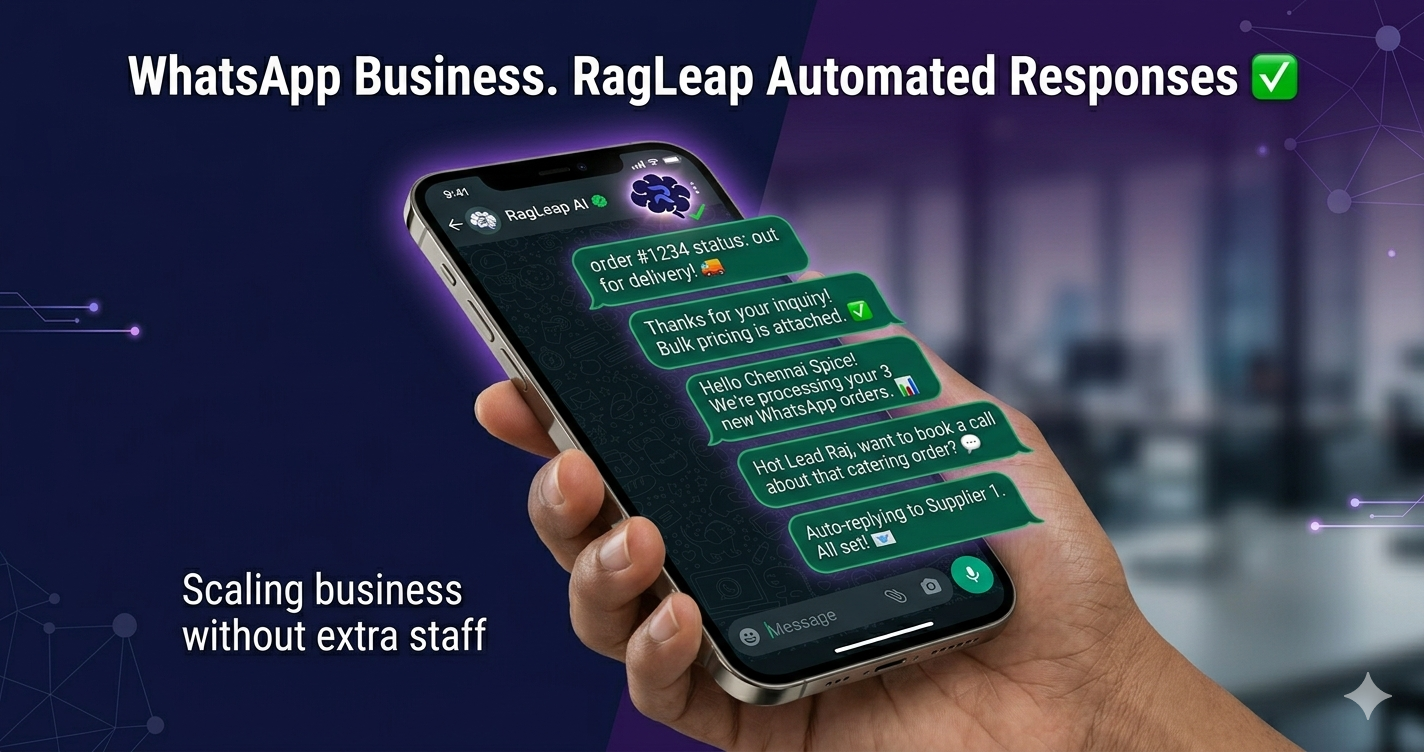
WhatsApp isn't just a messaging app anymore—it's the lifeblood of business in India, Middle East, Africa, Southeast Asia, and Latin America. This is your complete guide to automating WhatsApp for business using AI in 2026.
Why WhatsApp is the #1 Business Channel in Emerging Markets
Let's start with the facts:
- 2.8 billion global users — More than any other messaging platform
- India: 500M+ users — 89% of smartphone users have WhatsApp
- UAE/Saudi Arabia: 95%+ penetration — Everyone uses WhatsApp, including business communication
- Nigeria/Kenya: Primary business channel — More trusted than email or calls
- 75% of customers prefer WhatsApp — Over phone calls or email for business inquiries
Your customers are already on WhatsApp. The question is: Are you handling it efficiently, or drowning in messages?
Two Types of WhatsApp Automation (Important Distinction)
Type 1: Customer Bot (24/7 Auto-Responder)
What it does: Dedicated WhatsApp number for your business. Customers message this number, AI responds automatically 24/7 in any language.
Perfect for: Customer support, FAQs, order taking, appointment booking, lead capture
Example: Customer messages: "Do you have red sarees?" → Bot replies instantly: "Yes! We have 15+ red sarees ranging from ₹5,000 to ₹25,000. Would you like to see our catalog?"
Type 2: Owner Control (Your Personal Manager)
What it does: YOU message RagLeap on YOUR personal WhatsApp to control your entire business.
Perfect for: Business owners who want phone-first management—get analytics, broadcast messages, check leads, all from your WhatsApp chat.
Example: You message RagLeap: "How many orders today?" → RagLeap replies: "35 orders today. 18 biryani, 12 meals, 5 beverages. Revenue: ₹12,400."
Best practice: Use BOTH. Customer bot handles customer inquiries. You use your personal WhatsApp to manage RagLeap.
Set Up WhatsApp Automation in 5 Minutes
No WhatsApp Business API needed. No developer. Just scan QR code and go live.
Get Started FreeSetting Up WhatsApp Customer Bot: Step-by-Step
Step 1: Create RagLeap Account (2 minutes)
- Visit ragleap.com/signup
- Enter email, create password
- Verify email
- Done! You're logged in.
Step 2: Teach RagLeap About Your Business (3 minutes)
Chat naturally with RagLeap:
- "I run Chennai Biriyani House. We sell chicken biryani, mutton biryani, and Tamil meals."
- "Chicken biryani ₹180, Mutton ₹220, Meals ₹120."
- "We're open 11 AM to 10 PM, closed Sundays."
- "We deliver within 5 km. ₹50 delivery charge."
That's it. RagLeap has memorized your entire business.
Step 3: Connect WhatsApp (1 minute)
- Click "Connect WhastApp" in RagLeap dashboard
- You'll see a QR code
- Open WhatsApp on your phone → Settings → Linked Devices → Scan QR code
- Done! WhatsApp is connected.
⚠️ Important: You DON'T need WhatsApp Business API (that's ₹20K-50K/month). Regular WhatsApp works fine for most businesses.
Step 4: Test It!
Message your business WhatsApp number from a different phone:
- "Hi, what's on your menu today?"
- AI responds instantly: "Welcome to Chennai Biriyani House! Today's menu: Chicken Biryani ₹180, Mutton Biryani ₹220, Tamil Meals ₹120. What would you like to order? 🍛"
You're LIVE. That's it. 🎉
Best Practices for WhatsApp Automation
1. Keep Responses Natural, Not Robotic
DON'T: "Thank you for contacting us. Your query has been received. Ticket #12345."
DO: "Hey! Thanks for reaching out 😊 How can I help you today?"
2. Use Emojis (Customers Expect It)
WhatsApp is casual. Your AI should match that tone:
- "Available for delivery! 🚚"
- "Great choice! 👍"
- "Order confirmed! ✅"
3. Support Voice Messages
Many customers (especially 40+ age group) prefer sending voice notes over typing. RagLeap automatically transcribes voice messages and responds.
Example: Customer sends voice: "मुझे चिकन बिरयानी चाहिए दो प्लेट" → RagLeap understands and replies in Hindi.
4. Handle Images/Documents
Customers send product photos, price lists, invoices. Your AI should understand context:
- Customer sends photo of product → "Is this available?"
- Customer sends screenshot of order → "When will this arrive?"
5. Escalate Complex Queries to You
AI handles 80-90% automatically. For complex situations (custom orders, complaints, bulk requests), AI should alert you on Telegram:
"🔔 Complex query from Rajesh: Wants 50 biryani packs for office party tomorrow. Please handle manually."
Common Mistakes to Avoid
❌ Mistake 1: Over-Automation
Don't make AI handle sensitive issues. Angry customer complaint? Human should handle it.
❌ Mistake 2: Ignoring Context
Customer: "The biryani was cold!" → Don't reply "Our biryani is fresh!" → Escalate to human.
❌ Mistake 3: No Human Fallback
Always give customers a way to reach a human: "If you need urgent help, call us at +91-XXXXX"
❌ Mistake 4: Using WhatsApp Business API Without Need
WhatsApp Business API costs ₹20K-50K/month. Unless you're sending 100K+ messages/month, regular WhatsApp with RagLeap is enough.
Regional Examples: How Businesses Use It
🇮🇳 India: Restaurant Order Automation
Madurai Cafe receives 200+ WhatsApp orders daily in Tamil/Hindi/English. AI handles everything:
- Customer: "5 idli, 2 dosa, 3 coffee" → AI: "₹185 total. Delivery address?" → Customer gives address → AI confirms order → Kitchen gets notification
- Result: Owner spends ZERO time on orders, focuses on cooking. Revenue 2.5x in 3 months.
🇦🇪 UAE: Multilingual Customer Support
Dubai Boutique serves customers in Arabic, English, Hindi, Urdu, and Tagalog (Filipino domestic workers). Before AI: hired 3 staff. Now: AI handles all languages automatically.
- Customer messages in Arabic → AI replies in Arabic
- Next customer in Tagalog → AI switches to Tagalog
- Cost saving: ₹2L/month (3 salaries) → ₹5K/month (RagLeap + API)
🇳🇬 Nigeria: Logistics Coordination
Lagos Delivery Service coordinates 50+ delivery riders via WhatsApp. AI automates rider assignment:
- New order comes in → AI finds nearest available rider → Sends rider the delivery details on WhatsApp → Rider confirms → Customer gets tracking link
- Result: 10x more orders handled, zero manual coordination
Start Automating WhatsApp Today
Join 1000+ businesses globally. Works in 7000+ languages. Free trial, no credit card.
Get Started FreeAdvanced Features Worth Exploring
1. Broadcast Messages
Send message to all customers who contacted you in last 24 hours (WhatsApp policy):
"Flash sale! 20% off all biryani till midnight. Order now: wa.me/yourlink"
2. Lead Scoring (HOT/WARM/COLD)
AI automatically categorizes inquiries:
- HOT: "How much for 50 biryani packs? Need tomorrow." → Instant alert to you
- WARM: "Do you deliver to Adyar?" → AI handles, logs as potential customer
- COLD: "What are your timings?" → AI answers, doesn't bother you
3. Analytics Dashboard
See which products customers ask about most, peak inquiry times, conversion rates.
WhatsApp Automation Checklist
Use this checklist to ensure proper setup:
- ✅ Business information taught to AI (products, prices, hours, policies)
- ✅ WhatsApp connected and tested
- ✅ Greeting message set ("Hi! Welcome to [Business Name]...")
- ✅ Common FAQs covered (delivery, payment, returns, timing)
- ✅ Escalation rules defined (when to alert human)
- ✅ Owner's personal WhatsApp connected for business control
- ✅ Team members trained on how to check AI conversations if needed
The Future is Already Here
WhatsApp automation isn't a luxury anymore—it's survival. Customers expect instant responses. They message at midnight, on weekends, during festivals. You can't be available 24/7. But AI can.
The businesses thriving in 2026 aren't the ones fighting automation—they're the ones embracing it.
Start today. You'll wonder how you ever managed without it.